
I spent the past week at a fascinating conference on teaching at the interface of physics and biology: a mix of biophysics research talks, education talks, and combinations of the two. I presented a poster on my ‘biophysics for non-science majors’ course, which went over well. Perhaps its biggest impact was superficial, though: everyone (including me) loved the fact that it was printed on cloth. Thanks to a colleague who forwarded this link to a blurb on “the $25 scrunchable scientific poster,” which points out that the custom fabric printing site spoonflower.com will print any image, at 150 dpi resolution, on beautiful non-wrinkling fabric, I decided to give it a shot. I was delighted with the results — the poster looks great, and is simple to transport, folded and stuffed into a bag. No more poster tubes!

Plus, if you’re tired of questions, you can hide under it.
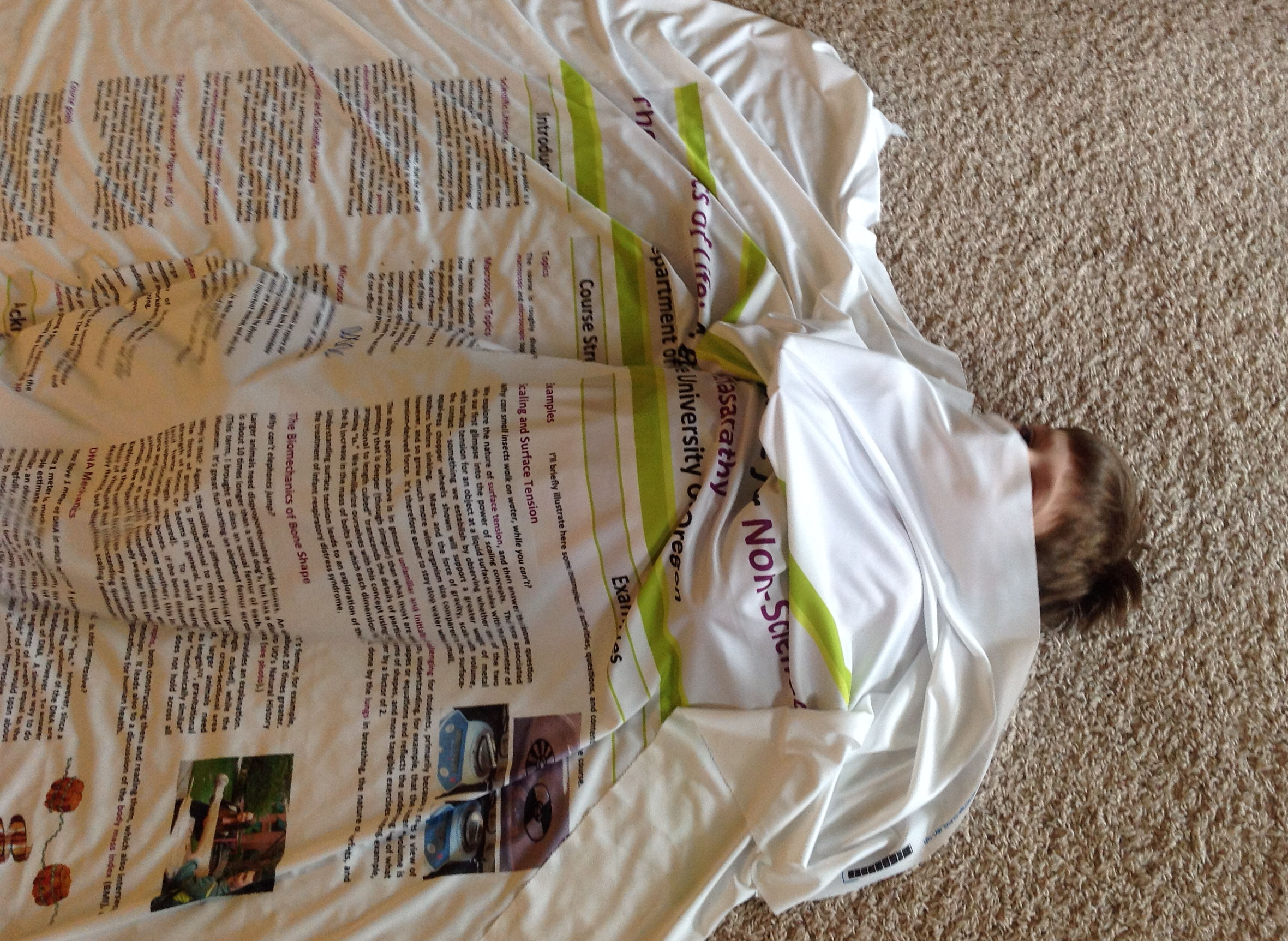
Update (April 11, 2016): I recently ordered another cloth poster from spoonflower.com, which again turned out great. A few tips: (i) Be sure to select “performance knit” as the cloth type; (ii) your poster should be saved as a 150 dpi image (e.g. a .png file); (iii) be sure to choose the proper number of yards of cloth at checkout. I initially messed this up — my poster was 42 inches high, and so requires buying a 2 yard-high cloth. (The spoonflower staff were quick to catch this and warn me about this.)
Update (April 8, 2019): “Performance Knit” is no longer available, but the Spoonflower-recommended “Performance Pique” is nearly identical. (I think the printing is not quite as sharp, but it’s still excellent.)
Update (September 4, 2023): If you make a poster in PowerPoint and save it as a PNG image, it saves at 96 dpi — below the 150 dpi required for Spoonflower’s cloth printing. You can change PowerPoint’s image saving DPI by adding an entry to Windows’ regedit file — see here: https://learn.microsoft.com/en-us/office/troubleshoot/powerpoint/change-export-slide-resolution .
Update (September 2025): To upload your images, go to “artist corner / upload a design.” For the fabric, choose “Sport Piqué” (Performance Pique is no longer available). See the previous note about PowerPoint and dpi. For an image with a height of 6300 pixels 150 dpi, i.e. 42 inches, you’ll have to buy 2 yards of cloth. (The printable width is 56 inches; i.e. each yard you purchase is 56 inches wide and 36 inchess high.) Center your image. It will look great!
 The Eighteenth Elephant
Thanks for the info, Raghu!